+1 (587) 325-0234 [email protected] Concorde Hotel Kuala Lumpur, Kuala Lumpur, Malaysia
Abstract submission closes 10 December 2026

Mode of Presentation

Three ways to present your accepted paper — on stage, on a board, or online.

May 27 – 28, 2027 Kuala Lumpur, Malaysia Hybrid — in person & virtual

Choose How You Present

Three presentation modes

Every accepted author presents. Pick the mode that fits how you work and whether you can travel — each carries the same certification and the same route to publication.

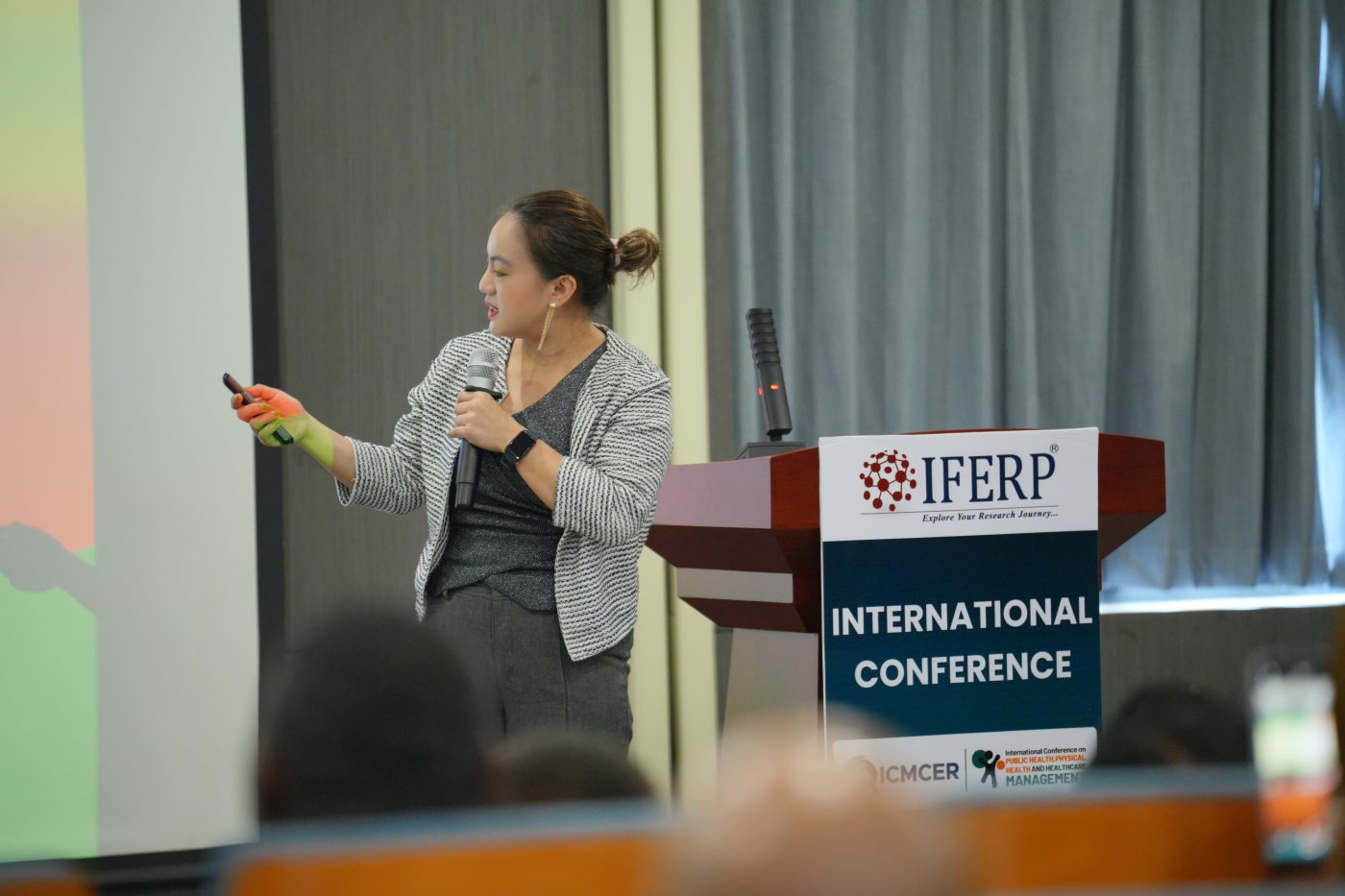
A presenter addressing the audience beside her projected slides at an IFERP conference

Mode 01

Oral Presentation


An oral presentation puts your work in front of a live technical session — a room of researchers from your track and from neighbouring disciplines. You present your paper with slides, then take questions from the chair and the floor.

This is the most common mode at ICMDRSE-2027, and the one that generates the most feedback on your work. Sessions are chaired, timed and grouped by track.

Duration8–10 minutes
FormatSlides & live delivery
WhereIn person, Kuala Lumpur

Guidelines for Presentation

  • Consider the sequence and relevancy of your slides — each slide should lead smoothly to the next.
  • Use graphs and charts to illustrate your main points. These visuals help the audience clearly understand the content.
  • Keep it simple. Avoid overly fancy graphs, too much data, flash animations, GIFs, or bright distracting colours. The audience will focus on the effects, not your message.
  • Use high-contrast, easy-to-read fonts common to most computers. Avoid ALL CAPS, italics and unnecessary styling. Minimum recommended font size: 30 pt.
  • Keep the presentation within the 8–10 minute timeframe.

Follow the

6–6–6 Rule

6
words per bullet

Maximum six words in any one bullet point.

6
bullets per slide

Maximum six bullet points on any one slide.

6
text slides in a row

Maximum six consecutive text-only slides.
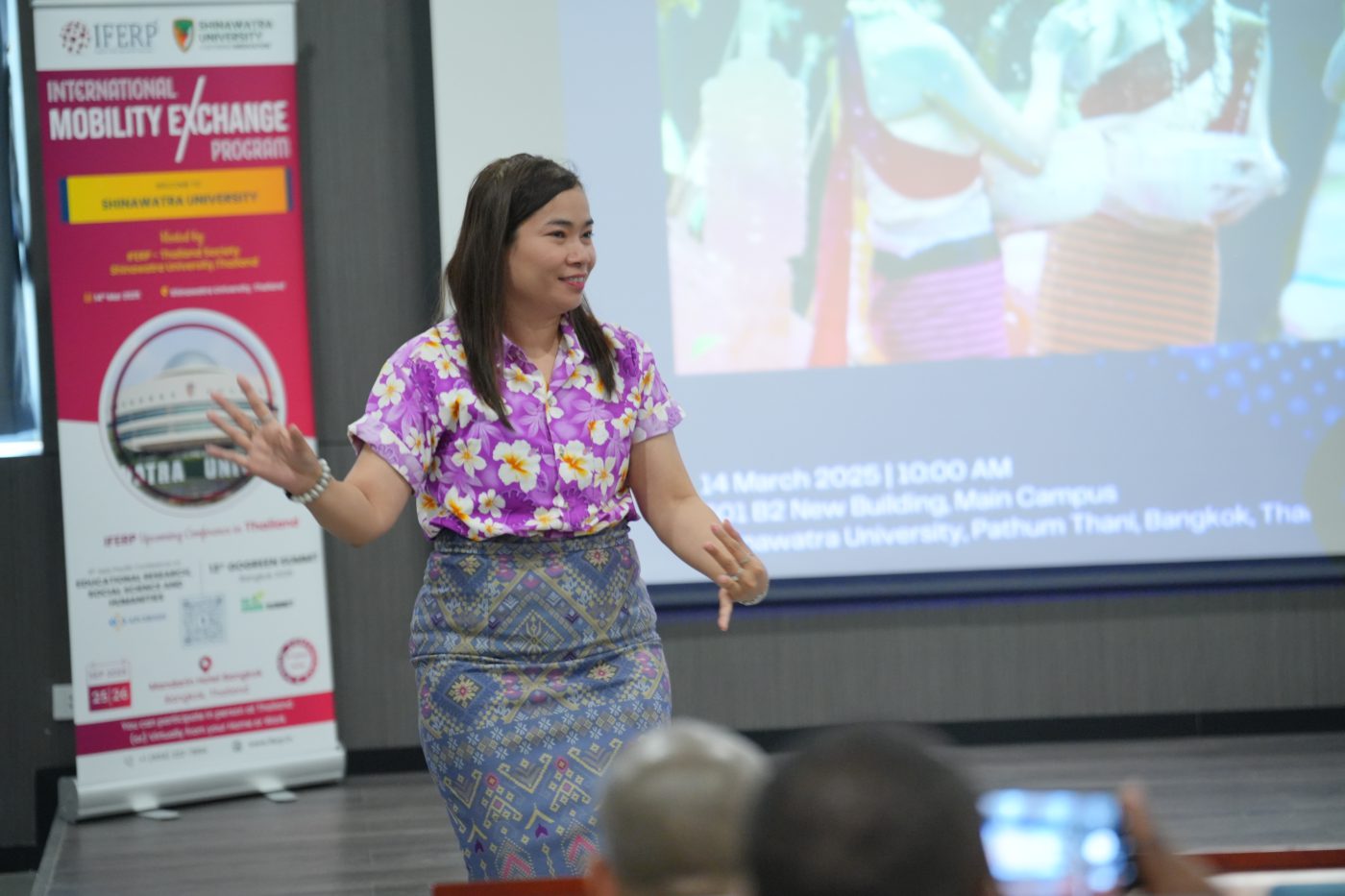
A presenter discussing her work beside a display board during a conference session

Mode 02

Poster Presentation


As a poster presenter you can deliver your presentation effectively to an audience in the form of a poster. There is no formal oral presentation in a poster session; instead each author is assigned a display area on which diagrams, graphics, data, pictures and a small amount of text are presented.

The poster should be self-explanatory, but the author should be available at certain times — such as refreshment breaks and during the time devoted to the poster session — to interact with viewers and answer questions.

Duration8–10 minutes
FormatPrinted poster, 2 × 3 ft
WhereIn person, Kuala Lumpur

Poster Presentation Guidelines

2 ft 3 ft
Your Poster Portrait orientation

Maximum size. Posters larger than 2 × 3 ft cannot be mounted.

Poster Size

  • Dimensions for the posters are 2 × 3 feet (width: 2 ft, height: 3 ft).
  • Please ensure that your poster does not exceed this size.

Poster Submission

  • Hand over the poster to the organising committee at the registration table.

Poster Viewing & Evaluation

  • A time slot will be allocated for poster viewing in the conference programme.
  • Please ensure you stand by your poster for discussions and questions.
  • Presenters should explain their material, answer questions, exchange contact information and discuss the subject matter with visitors.
  • Keep your presentation within the 8–10 minute timeframe.
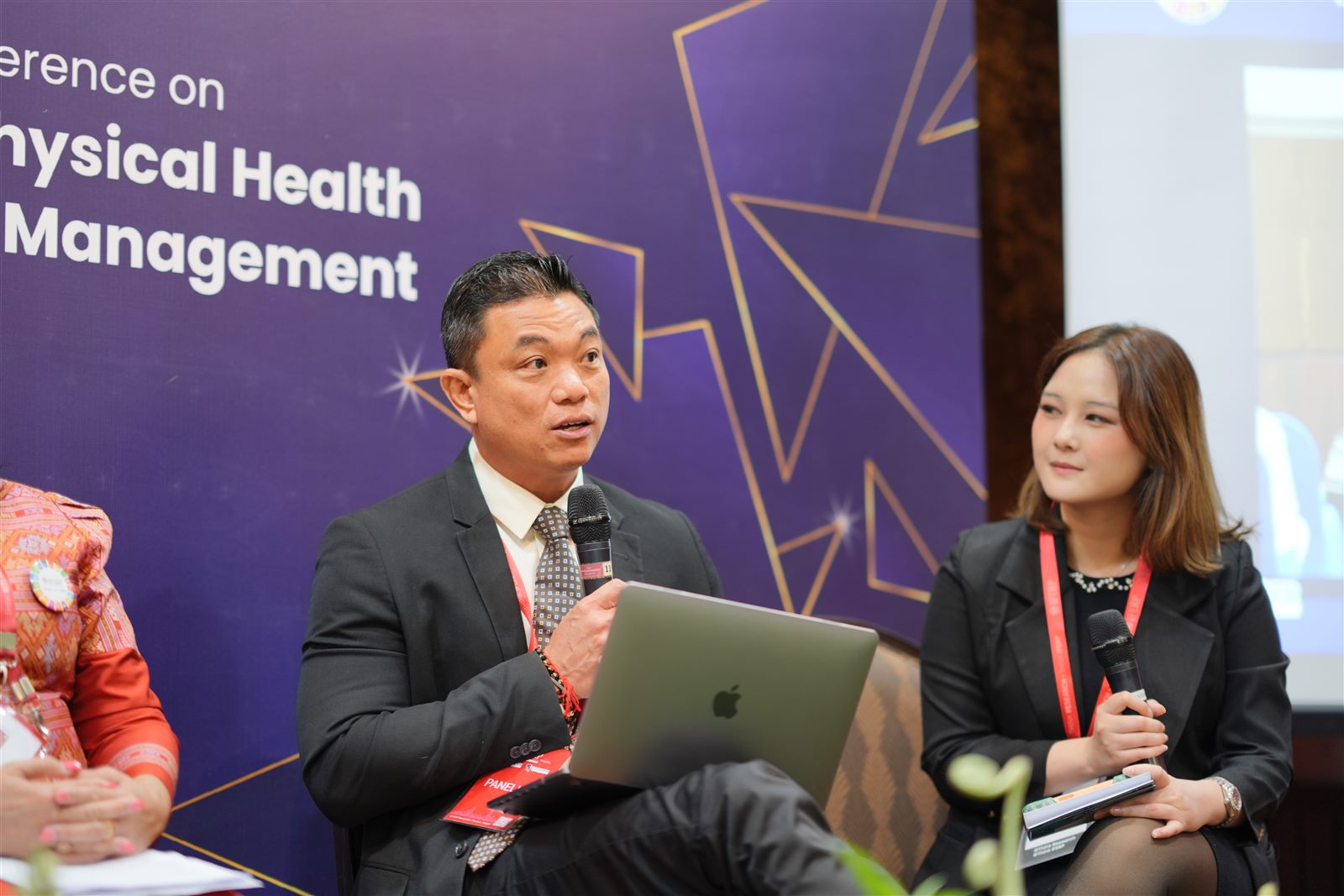
Panellists presenting with a laptop during a hybrid conference session

Mode 03

Virtual Presentation


For your convenience, we offer virtual presentations if you are unable to attend the conference in person but still need your work to be presented and published. There are two different types of virtual presentation.

Live Video Presentation PowerPoint Virtual Presentation
Duration8–10 minutes
FormatLive video or recorded slides
WhereOnline, from anywhere

Guidelines for Presentation

Live Video Presentation

  • Select the ideal background, then optimise the lighting.
  • Use an Ethernet connection for stable internet.
  • Use the same computer and internet connection for practice and for the presentation.
  • Check your webcam and position it so your face, neck and shoulders are visible.
  • Ensure your voice is clearly audible; external microphones work better.
  • Be yourself and present with confidence — audiences connect with authenticity.

PowerPoint Virtual Presentation

  • Perform a test run before the presentation day.
  • Review slides with a trusted advisor before submitting.
  • Don’t read directly from the slides while presenting.
  • Use props or demonstrations to stay within the allotted time.
  • Practise your presentation to refine your delivery.
  • Keep your presentation within the 8–10 minute timeframe.

Know how you want to present?

Choose your presentation type on the submission form. You can change it later by writing to [email protected].

Be a Presenter Join as a Listener